How to Install and Use Droid Orchestrator for Smarter Project Automation
Stop managing projects manually. Learn how Droid Orchestrator installs, delegates tasks to specialist droids, and automates complex workflows with speed and precision.
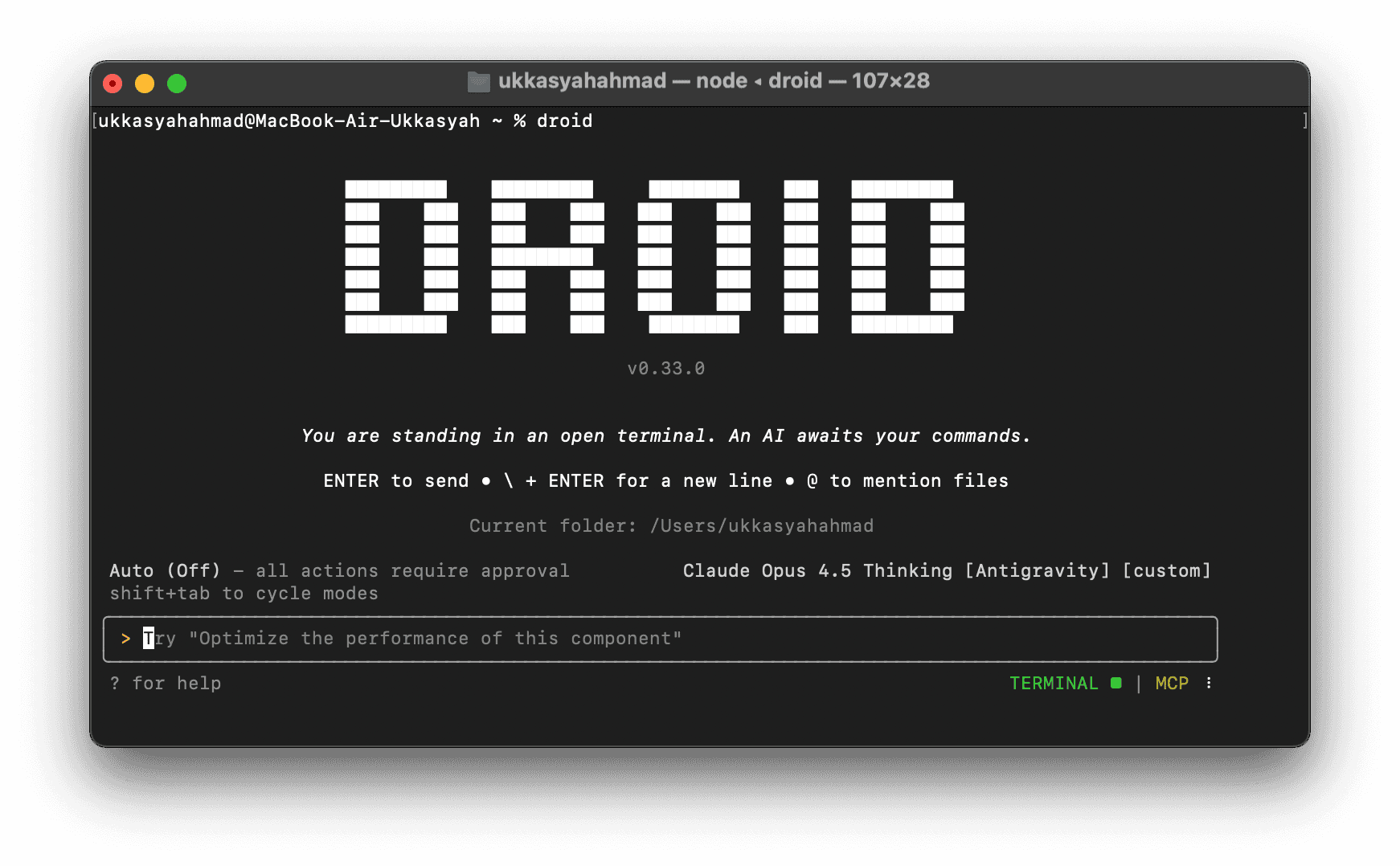
How to Install and Use Droid Orchestrator for Smarter Project Automation
Managing complex projects manually is a losing game.
Not because you lack skill — but because coordination doesn’t scale.
When frontend waits for backend, content waits for UI, and everything waits for approval, progress slows to a crawl. Droid Orchestrator was built to eliminate that friction.
It introduces an intelligent orchestration layer that plans work, delegates tasks to specialist droids, and executes projects in parallel.
What Is Droid Orchestrator?
Droid Orchestrator is an intelligent orchestration system designed to coordinate specialist droids (AI agents), each focused on a specific domain.
Instead of one general agent doing everything poorly, Droid Orchestrator:
Analyzes project requirements
Breaks work into structured tasks
Delegates each task to the most suitable specialist droid
UI, frontend, backend, content, SEO, security — each handled by an expert.
You define the goal. The system handles execution.
Why Use Droid Orchestrator?
Manual project management breaks down for one simple reason: humans don’t parallelize well.
Droid Orchestrator solves this by introducing:
Intelligent Planning – automatically understands scope and dependencies
Smart Delegation – assigns work to specialist droids
Parallel Execution – multiple agents work at the same time
Scalability – adapts to both small and complex projects
The result: faster delivery, higher quality, less coordination overhead.
How to Install Droid Orchestrator
Prerequisites
Before installing, make sure you have:
Access to your Droid factory directory
A code editor (such as Z Editor)
Installation Steps
Download the Droid Orchestrator ZIP package
https://github.com/aeitroc/Droid-CLI-OrchestratorLocate your Droid factory folder, usually:
Extract the ZIP file directly into the factory folder
Open your project directory in your code editor
Initialize the orchestrator
The system will automatically create:frontendbackendgeneral
If the orchestrator responds to commands, installation is complete.
How to Use Droid Orchestrator
Basic Command
Start with a simple instruction:
The orchestrator will:
Analyze the task
Create an execution plan
Delegate work across frontend, backend, and content droids
No manual assignment required.
More Complex Tasks
For structured workflows:
UI validation, backend logic, performance tuning, and content creation are handled automatically by specialist droids.
Phased Execution for Quality Control
Droid Orchestrator enforces execution in clear phases:
UI validation and accessibility
Backend development and security
Content creation and review
Each phase must complete before the next begins, ensuring consistency and reliability.
Supported Specialist Droids
Droid Orchestrator supports a wide range of expertise, including:
Python, Go, TypeScript
UI/UX design
Content writing and SEO
Security auditing
This makes it suitable for multi-disciplinary projects without extra configuration.
Tips for Better Results
Be specific with prompts
Clear instructions lead to better delegation.Monitor and refine
If results are off, adjust your prompt. Precision matters.Leverage the Android Droid environment
Ideal for mobile and cross-platform development workflows.
Final Thought
Droid Orchestrator isn’t about replacing developers or managers.
It’s about removing coordination drag.
If you’re still spending time managing execution instead of making decisions, you’re operating below your leverage point.
Let the orchestrator handle the work.
You focus on direction.
Call to Action
Install Droid Orchestrator, delegate tasks to specialist droids, and stop wasting time coordinating what automation can handle better.
This article is based on insights from the YouTube video “Ubah Cara Lo Vibe Coding dengan Droid Orchestrator”.